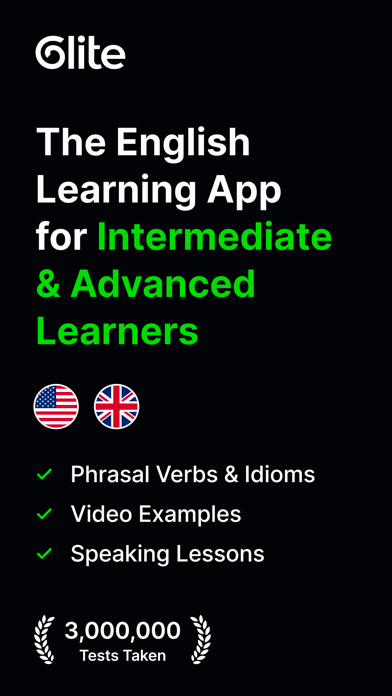
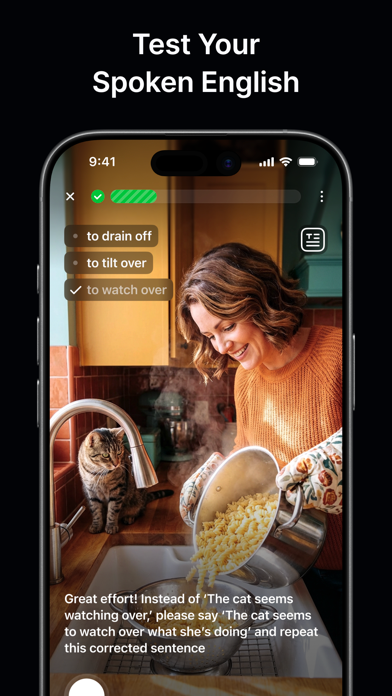
WindowsDen the one-stop for Education Pc apps presents you Speak & Learn English – Glite by Glite Tech Ltd -- Transform your English learning with Glite, your advanced English tutor designed to help you learn, speak and understand English like a native.
Master English faster with Glite the language learning app built for intermediate and advanced learners who want to go beyond basic English lessons. Whether you’re improving your English grammar, building your vocabulary or training your speaking and writing skills, Glite helps you make measurable progress through every intermediate and advanced CEFR level: B1, B2, C1, and C2.
Unlike other English learning apps that repeat simple drills, Glite focuses on real English how it’s spoken, written and understood in real life. Every lesson adapts to your goals and skill level so you can learn English free from outdated exercises and start thinking, speaking and understanding English naturally.
---
GLITE KEY FEATURES
► Built for Advanced English Learners
Glite is the only English language app created exclusively for intermediate and advanced learners.. We hope you enjoyed learning about Speak & Learn English – Glite. Download it today for Free. It's only 118.67 MB. Follow our tutorials below to get Speak Learn English version 1.38.0 working on Windows 10 and 11.