A New Pair of Glasses 12 Steps pc

Download A New Pair of Glasses 12 Steps for PC

Published by Kepler47 Software Inc.

  • License: Free
  • Category: Health & Fitness
  • Last Updated: 2017-10-06
  • File size: 24.30 MB

  • Compatibility: Requires Windows XP, Vista, 7, 8, Windows 10 and Windows 11

Download ⇩
Users Recommendation:

5/5

5
Based on 33 user votes.

Preview

->  ->  ->  

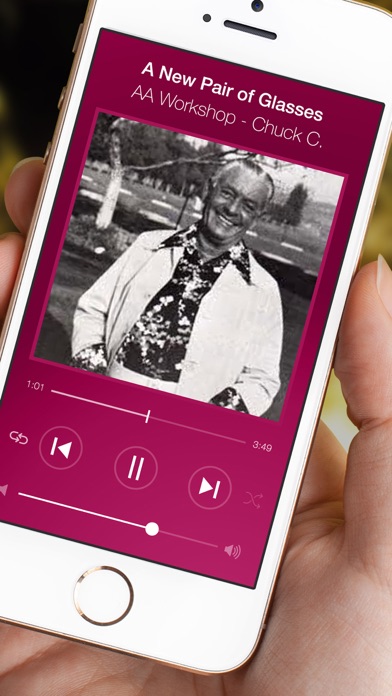
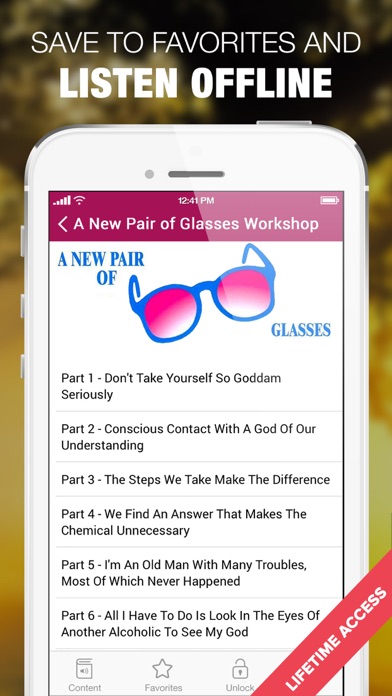
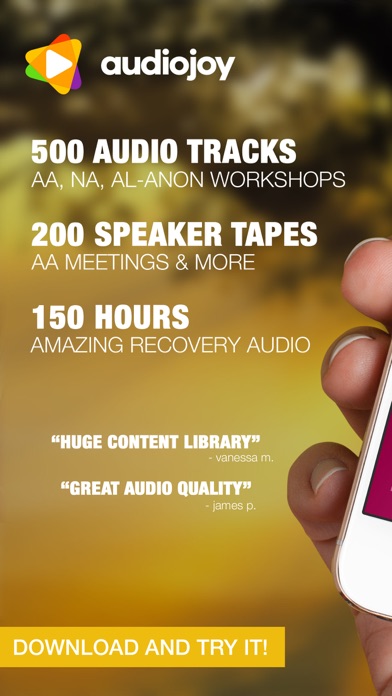
WindowsDen the one-stop for Health & Fitness Pc apps presents you A New Pair of Glasses 12 Steps by Kepler47 Software Inc. -- A New Pair of Glasses AA Workshop from Chuck C. - Audio ------------------- Listen to the incredible book study from Chuck C. , one of the pillars of Alcoholics Anonymous meetings in high quality audio format -- 100% Satisfaction Guarantee - contact us with any issues and we'll resolve them or refund your money. ------------------- NOTE: You get 2 one hour sessions and much more for free. Unlock and download hundreds more hours of amazing AA content from within the app. * AA Steps & Traditions * Daily Readings & Reflections * How to Live Sober * Narcotics Anonymous Speaker Tapes * Al-Anon Speaker Tapes * Stories from Bill Wilson * 12 Step Workshops * Personal Stories of Recovery * Sober Meditations and Prayers And much more.. We hope you enjoyed learning about A New Pair of Glasses 12 Steps. Download it today for Free. It's only 24.30 MB. Follow our tutorials below to get A New Pair of Glasses 12 Steps version 3.6.1 working on Windows 10 and 11.

GET A New Pair of Glasses 12 Steps for PC


After checking the 💻 Windows AppStore, we found the following A New Pair of Glasses 12 Steps apps (Available for Direct download):


SN. App Download Developer
1.   Get 12    Download ↲ ‪KidsDevGame‬
2.   Eyes First - Double Up Download ↲ ‪Microsoft Research‬
3.   Eye Test Download ↲ Reflection IT
4.   Eyes First - Match Two Download ↲ ‪Microsoft Research‬

5.   3GlassesS2DCA Download ↲ VR Technology Holdings Limited


OR


Alternatively, download A New Pair of Glasses 12 Steps APK for PC (Emulator) below:

Download A New Pair of Glasses 12 Steps APK for use on PC

Download Developer Rating Reviews
Everything AA
Download Apk for PC ↲
TanukiTech 4.9 10,539
Everything AA
GET ↲
TanukiTech 4.9 10,539
12 Steps AA Companion
GET ↲
Dean Huff 4.7 1,805
My Spiritual Toolkit AA
Steps

GET ↲
LOOK BEFORE YOU LEAP
NET, LLC.
4.9 5,200
I Am Sober
GET ↲
I Am Sober LLC 4.8 84,739
Messenger Kids – The
Messaging

GET ↲
Meta Platforms, Inc. 3.8 209,421

Follow Tutorial below to use A New Pair of Glasses 12 Steps APK on PC:

  1. Download an Android App emulator.
    An emulator imitates/ emulates an android device on your computer, making it easy to install and run android apps from the comfort of your PC. We've listed the best below:
    1. Nox »
    2. Bluestacks »

  2. Install the Bluestacks.exe or Nox.exe Software emulator on your Windows PC.

  3. Run A New Pair of Glasses 12 Steps on PC:
    1. Once installed, open the Emulator app, type A New Pair of Glasses 12 Steps in the search bar and search.
    2. You will immediately see A New Pair of Glasses 12 Steps. Open it and click Install. The app will start Installing.
    3. To run the A New Pair of Glasses 12 Steps app on PC, open Emulator » "All Apps" » A New Pair of Glasses 12 Steps.

Get A New Pair of Glasses 12 Steps on Apple Mac


Download Developer Rating Score
Download Mac App Kepler47 Software Inc. 33 4.72727


Alternative Health & Fitness apps

Other Apps from this Developer

keyboard_arrow_up